



Step 01
Choose Your Living And Citizenship Country
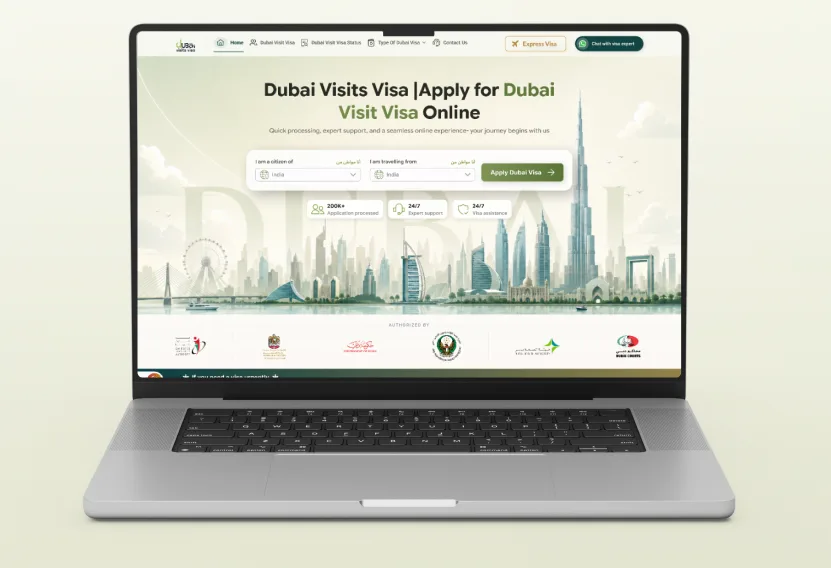
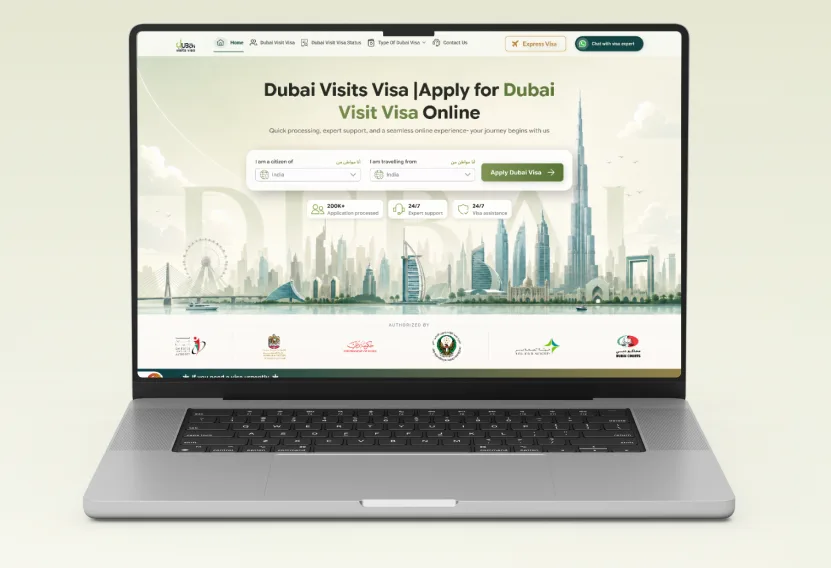
Pick your citizenship country and the country you are travelling from in the two drop-downs. The visa options, documents, and fees shown next are matched to the passport you hold.

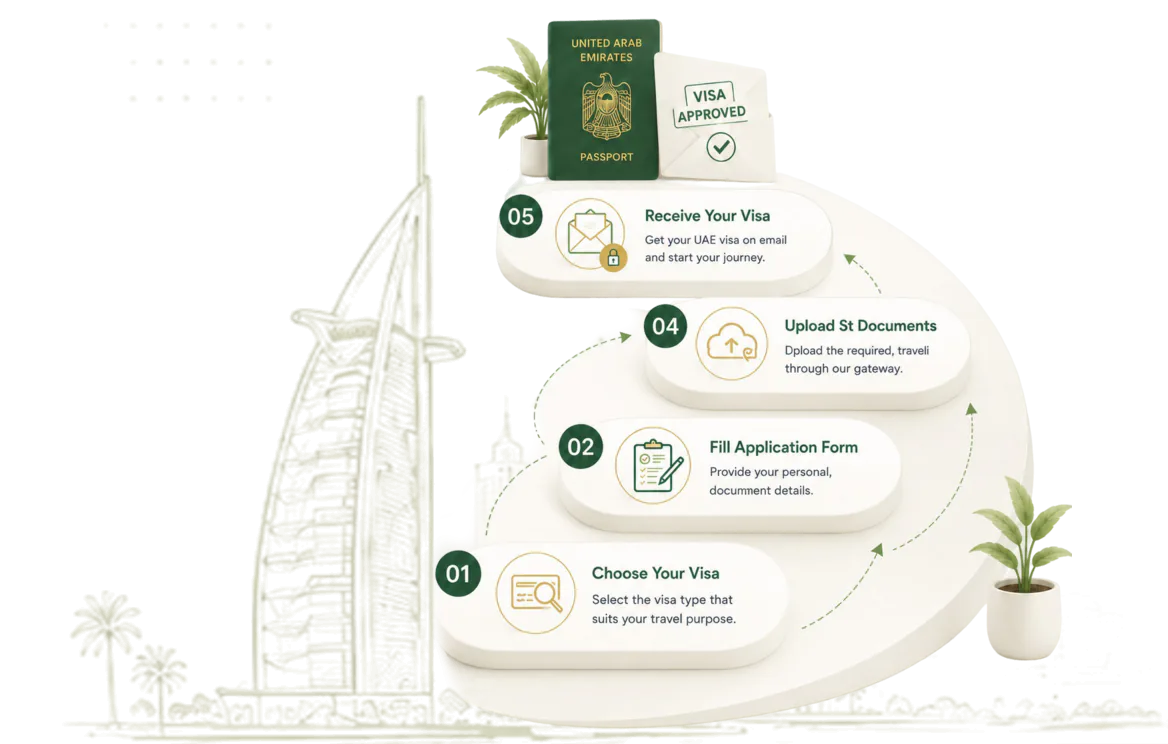
The whole Dubai visits visa application happens on this website in five short steps — you fill one form and upload your documents, and we handle the sponsorship and the submission to immigration. Here is exactly what happens at each step.
Step 01
Pick your citizenship country and the country you are travelling from in the two drop-downs. The visa options, documents, and fees shown next are matched to the passport you hold.
Step 02
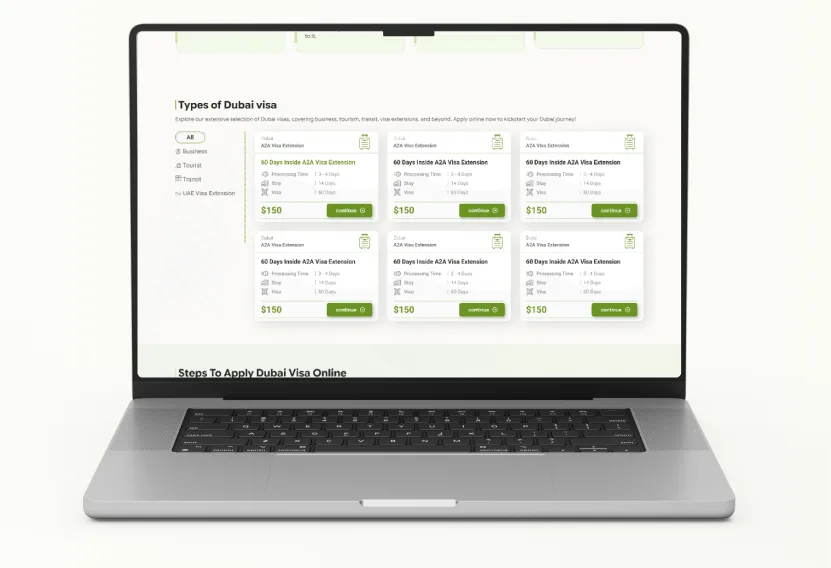
Dubai Visits Visa arranges tourist, transit, and business visit visas. Compare the options shown for your nationality — 48-hour and 96-hour transit, 14-day business, 30-day, 60-day, and 90-day visit visas, in single- or multiple-entry variants — and pick the one that matches your travel dates.
Step 03
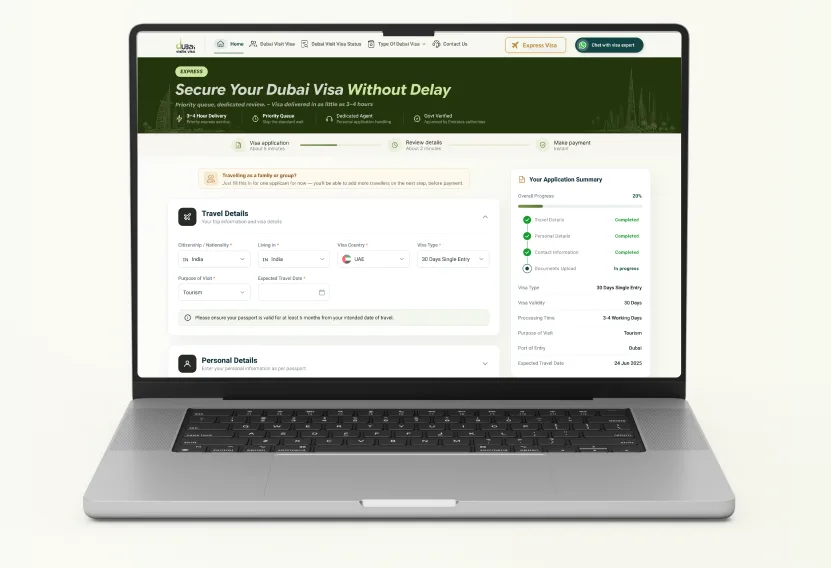
Complete the application form, and add further applicants to the same submission if family or friends are travelling with you. Upload your passport scan, photograph, and any supporting bookings — everything is transmitted over an encrypted SSL connection.
Step 04
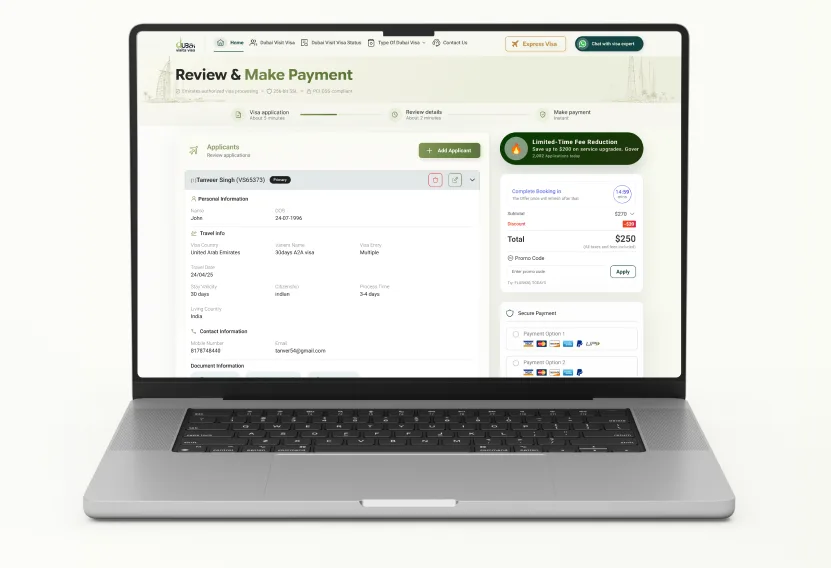
Review your fee summary — the sponsored visa fee and the service fee, shown as two separate amounts — then pay securely online by credit or debit card. A confirmation email with your application ID arrives straight away.
Step 05
Track your application at any time by entering your application ID on the visa status page. Once approved, your e-visa is emailed to you and available for download — check every detail against your passport before you fly.